Build 5030; Build Date: 2026-07-31
Animals in the same lot can sometimes need different day-to-day plans. You can now create lot groups such as Lights, Mediums, and Heavies so you can plan their shipping and protocol work separately while keeping the lot's billing, ownership, closeout, and inventory together.
In Lot Edit, the new Lot Groups tab lets you name and order groups, set a target ship date or weight, enter an optional average daily gain override, and keep a note. Fusion shows each group's current animal weight, calculated ship date, and current and total animal count to make the plan easier to review.
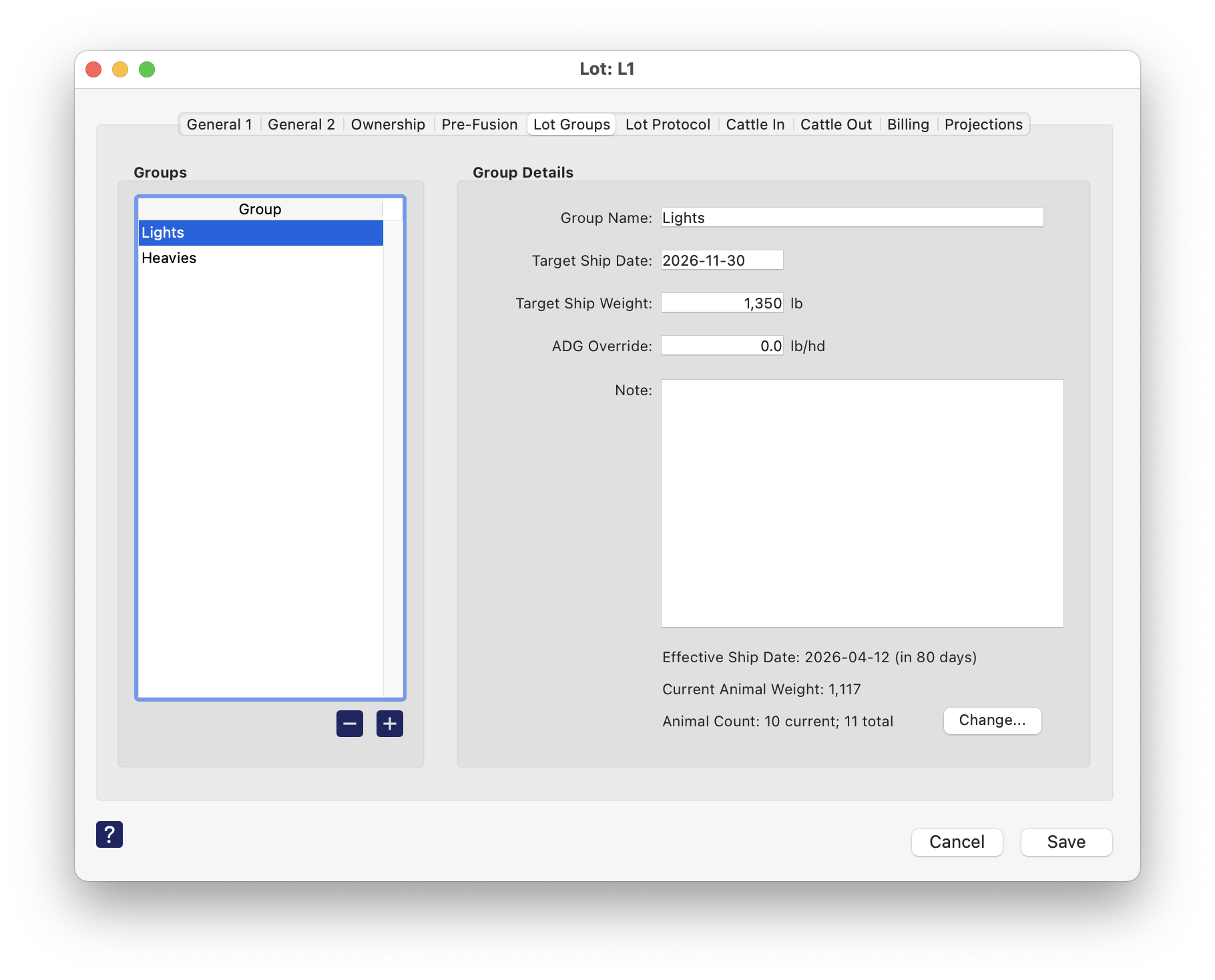
Use Change... from the group tab to assign animals while you set up the lot. You can also select animals in the Animal List and use Modify → Change Lot Group... to assign or clear a group for many animals at once.
Lot protocol actions can now target a specific group, and the Lot Protocol Action List and Fusion Anywhere show the group alongside the pen or pens that currently hold its cattle. This keeps management work focused on the cattle it applies to without turning groups into separate lots.
If most lots start with the same groups, you can now set up a default group list in Preferences. Each new lot starts with its own copy, so you can adjust its groups without changing your standard setup or other lots.
This version establishes the foundation for lot groups. In a following version, we plan to build on it with more ways to use groups throughout Fusion, including assigning groups during chuteside jobs, using sort protocols to sort by or into groups, and showing group details in Lot Center, printed detail reports, Lot Info Export, and additional Fusion Anywhere workflows. These follow-up areas are still being planned, so the exact scope may change.
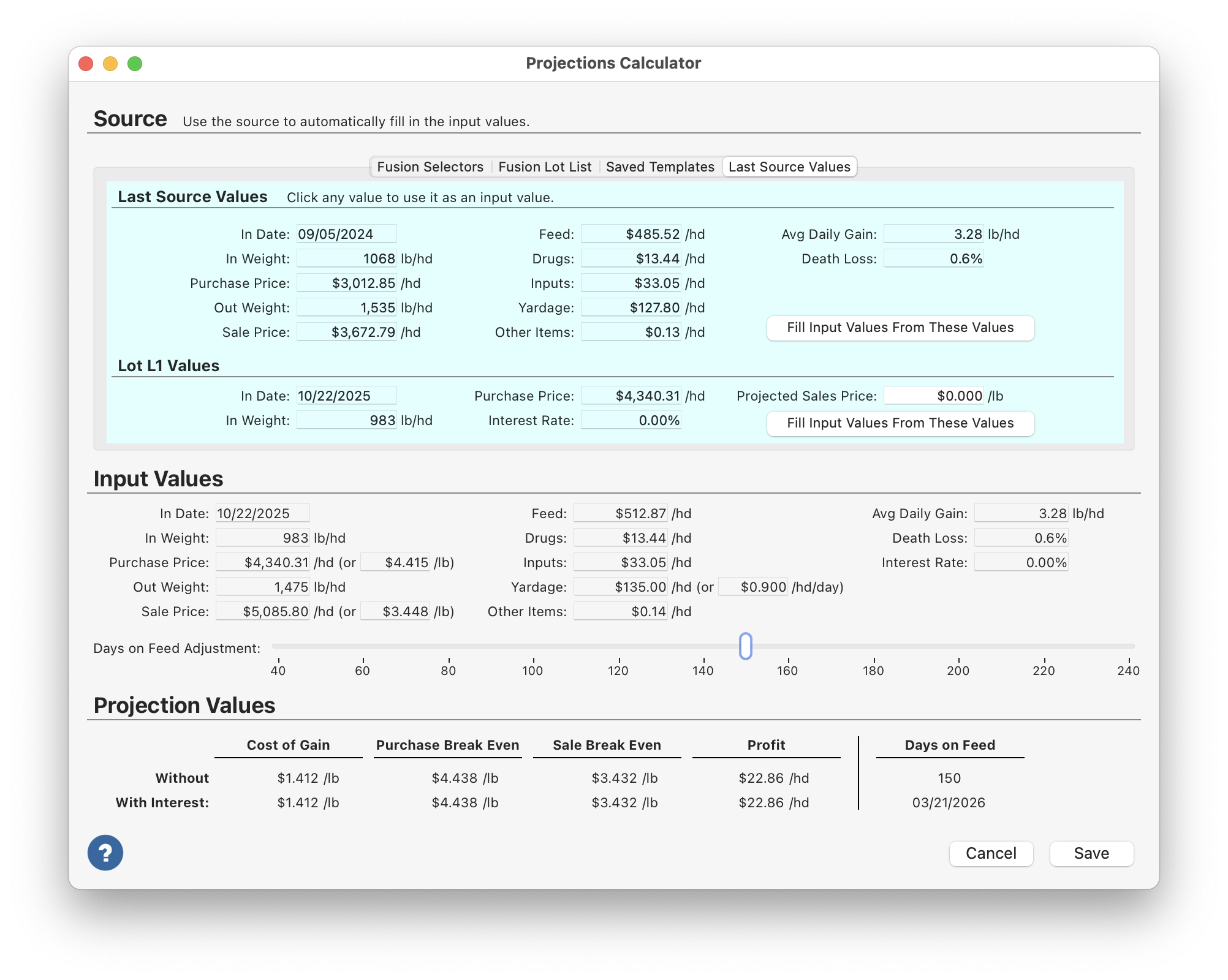
The Projections Calculator is most useful when it helps you move from historical information to a practical current projection without too much manual work. Several changes in this version are intended to make that process smoother and more realistic.
When all shipments from a lot use the same base dressing percent, the lot-level value works well. But some lots have shipments that should be adjusted differently, and using only one base percent can make review harder than it needs to be.
Out cohorts can now have their own base dressing percent override for carcass-adjusted closeout calculations. Leave the override at zero to use the lot's default base dressing percent, or enter a different base percent when a shipment should be adjusted differently. The Lot Center's Carcass Adjusted Values section now shows both the default lot base percent and the effective base percent used by the calculation, so lots with mixed shipment bases are easier to review.
Sometimes more than one current animal can match the ID entered during a chuteside job. In the past, Fusion would ask you to narrow the search with the Lot and Pen fields, which slowed down the workflow and was not always the most natural way to identify the animal in the chute.
Fusion now opens a Choose Animal window when this happens. It shows each matching animal's IDs, lot, current pen, and home pen so the operator can choose the right animal and keep the job moving.
The Lot and Pen fields on the Identify Animal subjob are now used only for assigning a starting lot and pen to new animals.
When you are working on a ration formula, it is helpful to know what that formula will look like in a real load before you save it. The Ration Edit gear menu now includes Test Ration for that purpose.
The preview uses the ration exactly as it is currently entered, including unsaved changes, and shows each ingredient's inclusion, current dry matter, and rounded as fed amount for a sample load. It defaults to the computer location and a 10,000-unit load size, but you can change either value to see how the ration looks in a different situation.
Lot Info Export setups can become difficult to manage when one destination is responsible for several locations. Fusion now keeps each destination tied to one location, making it clearer what each destination is for and reducing the chance of changing settings for the wrong location.
To make setup faster, the window now includes a Duplicate button so an existing destination can be copied and adjusted. There is also a Status tab with more information about recent export activity, a Show Password button for reviewing saved delivery credentials, and Save and Cancel buttons so setup changes can be reviewed before they are committed.
Second Generation Lot Info Export generation is also substantially faster. This is especially helpful for larger exports or yards with several destinations.
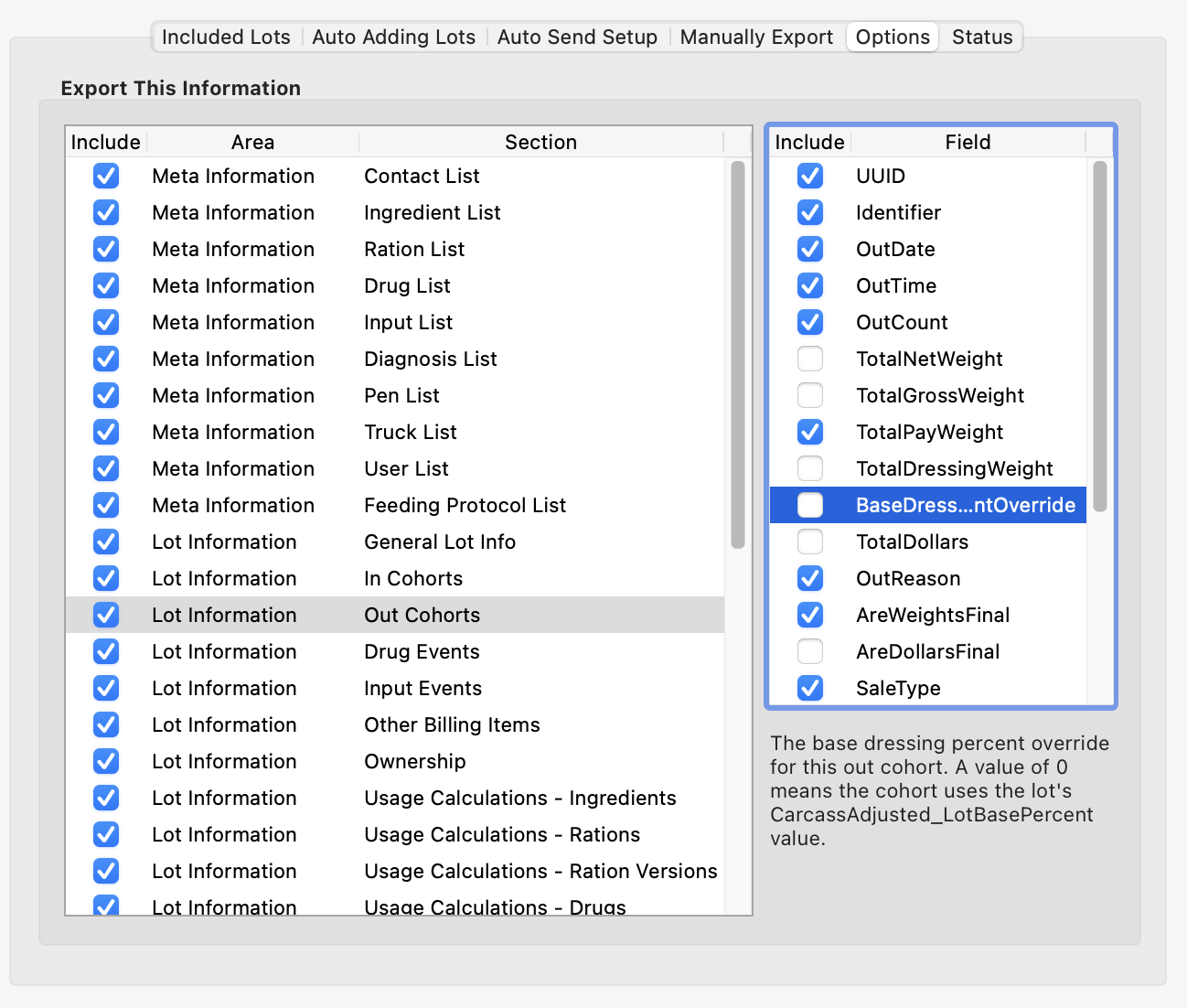
We also want you to have more control over exactly what information leaves your system. The Options tab still lets you turn whole sections on or off, and selecting a section now shows the individual fields in that section. This lets you send only the information you choose to share. The field list includes descriptions from the Lot Info Export documentation, and Option-click or Alt-click on an Include checkbox can turn all visible section or field rows on or off at once.
Automatic overnight exports now limit Pen Info and Load Info history to five days, even if the destination is configured with a larger value. Manual exports still use the configured day count, so you can still send a larger history range when you intentionally need one.
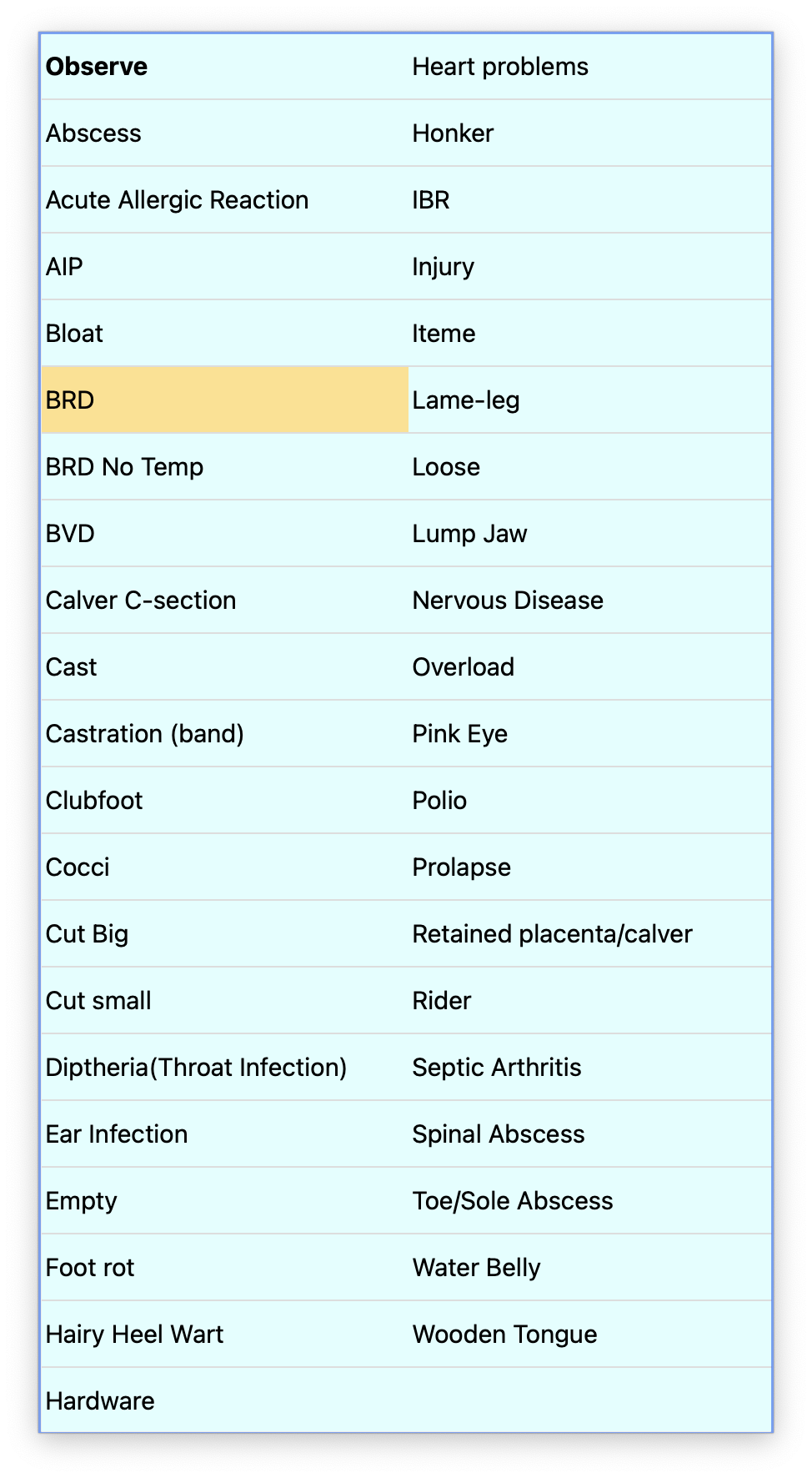
Long choice lists on a touchscreen can take too much scrolling, especially when someone is trying to move quickly through a job. Touchscreen popup lists now use additional columns for longer lists, making it easier to find the right option without as much scrolling.
A long ingredient list can make it harder for scale house staff to find the commodities they actually weigh. The Commodity/Ingredient window now includes an Include in Scale House checkbox so you can control which ingredients are offered as cargo choices for new weigh-ins.
The setting applies across all locations and takes effect the next time the Scale House window is opened. Existing non-water ingredients remain included after the upgrade, while newly created ingredients start excluded until you choose to include them. Removing an ingredient from the list does not affect loads that already use it; those loads can still be weighed out, edited, printed, and processed.
Scale house loads are normally weighed out on the same day they are started. If a load was started by mistake and left unfinished, it could continue to appear when choosing a load to weigh out but disappear from Today's Load List after that day, leaving no way to correct or delete it from the Scale House window.
Today's Load List now continues to include unfinished loads from earlier dates. Authorized staff can return to the same list to edit or delete an old unfinished load instead of having it remain in the weigh-out choices.
When a lot has fractional ownership, rounding owner-based counts too tightly can make the detail values harder to review. This especially shows up in values such as death counts, head days, and other count-based fields where a small decimal difference can matter.
When Lot Center is set to calculate detail values for the current owner, owner-based count and head-day fields now show two decimal places instead of one. This applies in the detail area, detail reports, owner-based detail reports, and Advanced Print detail values. We also improved related owner-based rounding before totals are calculated, so totals and derived values are based on the right precision before display formatting is applied.
For yards testing Delivery Guide Streaming, outside systems sometimes need a little more context about what is happening on the truck and at the pen. Fusion now includes three additional streamed values:
This Fusion update includes the support needed to make the following features available to authorized Fusion Anywhere users. They extend familiar Fusion workflows to the browser on a phone, tablet, or laptop.
Some health work happens in the pen, away from the chute or office. Fusion Anywhere now includes a Treatment page so authorized users can find animals that are currently in treatment, see which animals are pending or already treated today, and enter treatments from a phone, tablet, or laptop.
The treatment workflow uses Fusion diagnosis and protocol setup, calculates scheduled drug amounts from the animal's weight, supports Observe cases, lets users change diagnosis, protocol, and treatment day when needed, and updates withdrawal and treatment status after the save.
At the end of the day, Fusion gathers each user's in-pen treatments into a completed chuteside batch. Starting the next day, you can review the batch and its job statistics in Job Batches, just as you would for work completed at the chute.
When an animal is not already in Fusion, authorized users can add the animal from the Treatment page, assign its lot and pens, enter identifiers and characteristics, and then treat it from the same workflow. That keeps in-pen health work moving without waiting to return to an office computer.
Fusion Anywhere now brings the Daily Load Synopsis, Daily Pen Synopsis, and Daily Usage Synopsis pages to the browser. Select a day, truck, or user to review what was loaded, what was delivered to each pen, and the daily totals by ration and ingredient.
These views use the same daily feeding information as the first three tabs of Fusion's Daily Feed Detail window, making it easier to review load accuracy, pen deliveries, and daily feed use when you are away from the office.
Day-to-day changes do not always wait for a return to the office. Authorized Fusion Anywhere users can now edit lots, arrivals, deaths, and shipments from a phone, tablet, or laptop.
This makes it easier to keep cattle records up to date as plans or conditions change, giving the people closest to the work a practical way to make permitted updates while away from a Fusion Client computer.
Fusion Anywhere is intended for the day-to-day lot and event details you need to update away from the office. Changes to an event's date, head count, pen, or lot still need to be made in Fusion, where the additional information needed to process those changes is available.
We also fixed several issues in this version. Thank you to the customers who report problems and help us continue improving Fusion.